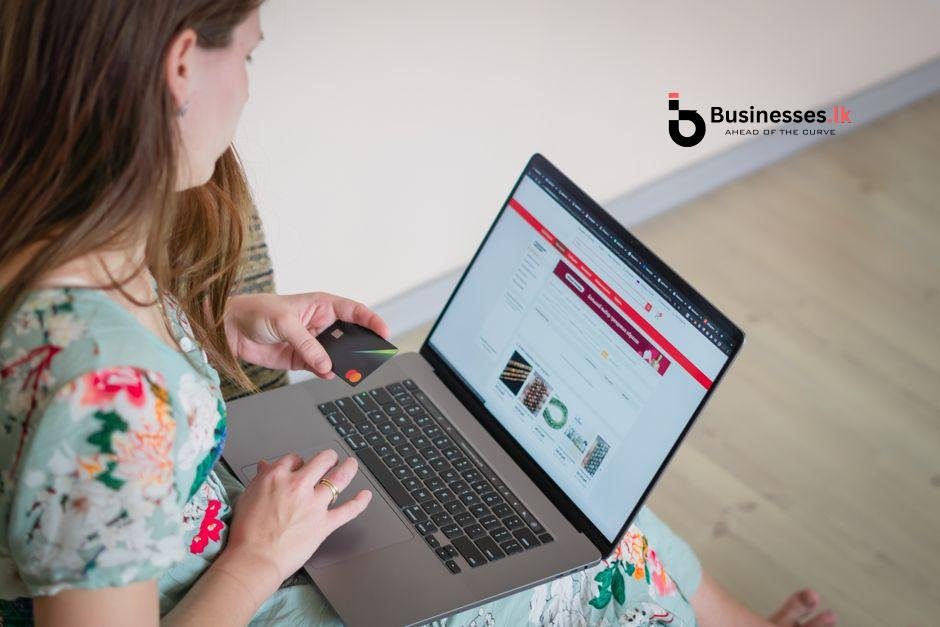
Knowing how to accept online payments in Sri Lanka for e-commerce is one of the first real challenges you face when you launch an online store, and getting it wrong can cost you sales before you even start. This guide walks you through the full landscape: which gateways are available, what they cost, how mobile wallets fit in, and what the Central Bank of Sri Lanka (CBSL) expects from your business.
Why Getting Online Payments Right Matters for Sri Lankan E-Commerce
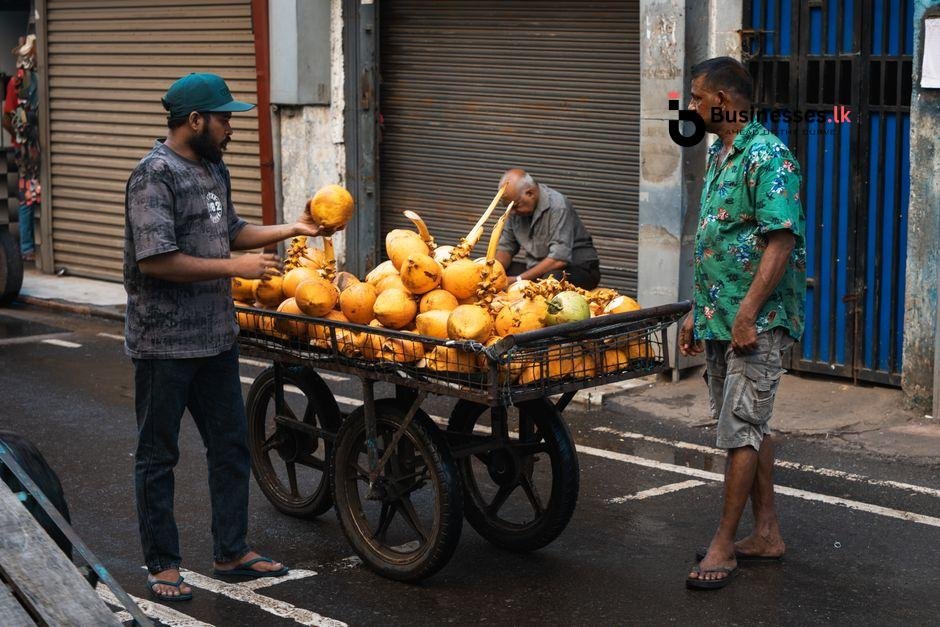
Sri Lankan shoppers have changed. A growing share of buyers now expect to pay at checkout rather than hand over cash on delivery. When you offer no credible payment option at checkout, a surprising number of customers simply leave. Cash on delivery still works for some categories, but relying on it entirely creates real problems: high return rates, unpredictable cash flow, and no protection if a customer refuses a parcel.
For a small or medium business, a missed payment is not just a lost sale. It is a logistics cost you already absorbed. Getting a secure, reliable payment flow in place is the operational foundation your store needs to grow.
Overview of the Sri Lanka Online Payment Landscape (CBSL and Regulations)
The Central Bank of Sri Lanka regulates payment service providers under the Payment and Settlement Systems Act. Any gateway or wallet that processes payments in Sri Lanka must hold a CBSL licence. This matters for you because it means you should only integrate licensed providers, which protects both your business and your customers.
CBSL also oversees foreign exchange. If you plan to accept payments in foreign currencies, your transactions need to comply with exchange control regulations, and the funds must typically be received through an approved bank or payment service provider. For a detailed look at what compliance involves for online sellers, read this guide to Sri Lanka e-commerce laws and compliance requirements.
The practical takeaway for most SMEs is simple: stick with CBSL-regulated gateways, get your merchant account through a licensed bank or provider, and keep clear transaction records. Compliance is manageable; it is mostly paperwork and choosing the right partners.
Local Payment Gateways Available in Sri Lanka
Several locally regulated gateways make it straightforward to accept online payments in Sri Lanka for e-commerce without needing a foreign payment processor. Here are the main options most small businesses use.
PayHere
PayHere is arguably the most popular choice among Sri Lankan online sellers. It supports Visa, Mastercard, and AMEX cards, as well as a range of local bank payment options. Setup involves registering a merchant account, submitting business documents, and integrating a payment form into your website. Transaction fees sit around 2.5% to 3.5% per transaction depending on your plan, and settlement into your local bank account typically happens within two to three business days. It has well-documented plugins for WooCommerce and a straightforward API for custom stores.
Genie (by BOC)
Genie is the digital payment platform from the Bank of Ceylon (BOC), one of Sri Lanka’s largest state banks. If you already bank with BOC, setup can be smoother. It supports card payments and internet banking transfers. Merchants familiar with traditional banking channels often find Genie a comfortable fit, and its backing by a major bank adds trust for customers who may be cautious about entering card details online.
iPay (by Nations Trust Bank)
iPay is Nations Trust Bank’s payment gateway, supporting Visa and Mastercard transactions. It is well suited to businesses that already hold a Nations Trust Bank merchant account. The integration documentation is solid, and the platform handles 3D Secure authentication, which adds a layer of fraud protection.
WebXPay
WebXPay is a standalone payment gateway that works with multiple banks. It supports cards, bank transfers, and instalment payment plans, which can be a genuine selling point if you sell higher-value items. Fees are competitive, and they offer plugins for popular platforms like WooCommerce and Magento.
Each of these options requires you to submit business registration documents, a bank account in your business name, and details of your website or store. Approval typically takes between three and ten business days.
Mobile Wallets and QR Payments: FriMi, eZ Cash, and More
Mobile wallets have grown quickly in Sri Lanka, particularly among younger buyers and those in areas with strong mobile connectivity. Offering a wallet payment option alongside cards broadens your customer base meaningfully.
FriMi
FriMi, operated by Nations Trust Bank, is a full-featured mobile wallet that allows users to pay merchants via QR code or app-to-app transfer. For an e-commerce seller, integrating FriMi as a checkout option is possible through the WebXPay or Nations Trust gateway. FriMi users tend to be urban, tech-comfortable buyers, which aligns well with fashion, electronics, and lifestyle product stores.
eZ Cash
eZ Cash, run by Dialog Axiata, targets a broader audience including mobile users without bank accounts. It uses mobile credit and a prepaid wallet model. For sellers moving physical goods to customers across the country, including smaller towns, eZ Cash extends your payment reach beyond traditional banking customers. Merchant integrations are available through Dialog’s business portal.
LankaQR
LankaQR is the CBSL’s national QR payment standard. Multiple banks and wallets in Sri Lanka are aligned to LankaQR, meaning a single QR code displayed on your site or at your door can be scanned by customers using compatible bank apps. For physical retail combined with online selling, this creates a unified payment experience.
International Payment Options: When and How to Use Them
If your store sells to overseas customers, whether that is Sri Lankans living abroad or foreign buyers, you need to think about how to accept online payments in Sri Lanka for e-commerce in foreign currencies.
PayPal has a presence in Sri Lanka, but with a significant limitation: Sri Lankan merchants can receive funds, but withdrawing to a local bank account has historically been restricted or required a workaround through a partner bank. This makes PayPal unreliable as a primary gateway for most local sellers.
Stripe is not directly available for Sri Lankan-registered businesses. Some sellers register an entity in a different country to access Stripe, but that brings legal and tax complexity that most SMEs do not need.
A more practical route for selling internationally is to use a locally regulated gateway that supports multi-currency transactions, such as PayHere’s international payment feature, or to work with a Sri Lankan bank that offers a foreign currency merchant account. Sampath Bank and Commercial Bank both have provisions for this. You will need to comply with CBSL foreign exchange rules, but your bank’s business banking team can walk you through the documentation.
How to Set Up a Payment Gateway Step by Step
The process is more straightforward than it looks. Here is what it typically involves.
- Register your business: Most gateways require a registered sole proprietorship, partnership, or company. Get your business registration certificate from the Registrar of Companies or the relevant local authority.
- Open a business bank account: Payments settle into a bank account in your business name. A personal account is usually not accepted.
- Choose your platform first: Your choice of e-commerce platform affects which gateways you can integrate easily. Read about the best e-commerce platforms for small businesses in Sri Lanka to match your platform and payment gateway before you apply.
- Apply for a merchant account: Go to your chosen gateway’s website, fill in the merchant application, and upload your business registration, NIC, bank account details, and a description of what you sell.
- Integrate the payment form: Once approved, you receive API credentials or a plugin. If you use WooCommerce, PayHere and WebXPay both have one-click plugins. For custom sites, a developer will need to handle the API integration, which is usually a half-day task.
- Test before going live: All major gateways provide a sandbox (test) mode. Run at least five test transactions to confirm the checkout flow works and that your confirmation emails fire correctly.
- Go live and monitor: Switch to live mode, run a real small transaction, and check that it settles to your bank account within the expected timeframe.
Comparing Payment Methods: Fees, Settlement Times, and Best Fit
Fees vary enough to affect your margins, especially at low price points. Here is a practical comparison of the main options.
- PayHere: 2.5% to 3.5% per transaction, settlement in 2 to 3 business days, best for general e-commerce stores
- WebXPay: Around 2.75% per transaction, settlement in 2 to 3 business days, good for instalment-friendly products
- Genie (BOC): Variable, often negotiated for BOC account holders, settlement in 1 to 2 business days for BOC merchants
- iPay (NTB): Competitive card rates for NTB account holders, settlement aligned with NTB banking cycle
- eZ Cash: Low per-transaction fees suitable for small ticket items, settlement via Dialog merchant portal
- FriMi: QR and app payments with competitive rates for wallet-to-merchant transfers
For a store selling items under Rs. 2,000, a 3% fee on every transaction adds up fast. At that price point, combining a gateway with a mobile wallet option can reduce your average fee per transaction by giving cost-conscious buyers an alternative route to pay.
Common Mistakes Sri Lankan Sellers Make with Online Payments
These are the friction points that come up repeatedly for new online sellers here.
Using a personal bank account for settlements. Gateways require a business account. Mixing personal and business finances also creates headaches at tax time and raises questions if you are ever audited.
Ignoring mobile wallet users. If your store only offers card payments, you are invisible to the segment of Sri Lankan buyers who primarily use eZ Cash or FriMi. Adding a wallet option costs very little to set up and meaningfully widens your audience.
Skipping the test phase. A surprising number of sellers go live without testing their full checkout flow. A broken payment confirmation email or a misconfigured webhook can mean orders go unfulfilled and customers never hear back from you.
Not displaying trust signals. Sri Lankan online shoppers, particularly first-time buyers, are cautious. Displaying your gateway’s secure payment badge and an SSL certificate indicator visibly in your checkout goes a long way toward reducing cart abandonment.
Underestimating setup time. Merchant applications do take days to approve. If you are planning a product launch, apply for your gateway at least two weeks before your go-live date.
Next Steps: Building a Complete E-Commerce Setup
Payments are one component of a fully functioning online business. If you are still in the early stages, the guide on how to start an online business in Sri Lanka covers the broader framework, from business registration to logistics and digital marketing. Knowing how to accept online payments in Sri Lanka for e-commerce is the engine, but your store needs the full vehicle around it to run well.
Once your payments are live, focus on reducing friction at checkout, monitoring your settlement reports weekly, and reviewing whether your chosen gateway’s fees still make sense as your order volume grows. Many gateways offer lower rates once you exceed a monthly transaction threshold, so it is worth renegotiating after your first three to six months of trading.
For a more complete understanding of what regulations apply to your online store, the Central Bank of Sri Lanka publishes current guidance on licensed payment service providers, and the mechanics of card payments are worth understanding at a basic level so you can troubleshoot issues intelligently with your gateway’s support team.
FAQ
Which payment gateway is best for a small online store in Sri Lanka?
For most small stores, PayHere is the most practical starting point. It has broad bank card support, WooCommerce and Shopify plugins, good documentation, and a straightforward application process. If you already bank with BOC, Genie is worth considering as a complementary or alternative option.
Can I accept international payments from overseas customers in Sri Lanka?
Yes, but with some additional steps. You need a gateway that supports multi-currency transactions or a foreign currency merchant account through a Sri Lankan bank such as Sampath or Commercial Bank. You must also comply with CBSL foreign exchange regulations, which your bank’s business team can guide you through.
Do I need to register my business to use a payment gateway in Sri Lanka?
Yes. All major Sri Lankan gateways require a valid business registration document as part of the merchant onboarding process. A sole proprietorship registration is sufficient for most individual sellers; you do not need a full company incorporation to get started.
How long does it take to receive payments from online sales into my bank account?
Settlement times typically range from one to three business days depending on your gateway and bank. PayHere and WebXPay generally settle within two to three business days. If you bank with the same institution running the gateway, for example BOC with Genie, settlement can be faster.
Are there transaction fees I should know about before choosing a payment method?
Yes, and they vary. Card-based gateways typically charge between 2.5% and 3.5% per transaction. Mobile wallet payments tend to have lower per-transaction fees. Some gateways also charge a monthly fee or a one-time setup fee. Always request a full fee schedule before signing up, and factor the cost into your product pricing from day one.